
This is a followup to my last post , which concentrated on the hardware of my recently acquired Lenovo ThinkPad 2, This time I’m looking at the software experience.
Well, of course, the software experience is all about the use of Windows 8. As I’ve said many times before, people seem to either love or hate Windows 8. Personally speaking, I love it. True, there are many areas in which it could be improved , but overall I am well satisfied.
Let’s take the area of handwriting recognition.
This entire post has been created by using a pen. No keys have been pressed in the making of this post. Well, apart from the Prtscn key on a wireless keyboard to take screenshots.
It is true that there are changes between the handwriting recognition input panels of Windows 7 and Windows 8. For example:
In Windows 7, there are three ways in which the tablet input panel can be invoked on the Desktop. In Windows 8, there is just one way on the Desktop to invoke the panel – tapping the icon in the taskbar.
Secondly, the Windows 7 tablet input panel had three modes that the user could switch between by means of explicit buttons on the input panel. In Windows 8 , although the three modes are still present, they are accessed differently. Now, the tablet input panel is larger and takes up half the screen.

The icon at the bottom right is used to switch between the handwriting and keyboard modes:
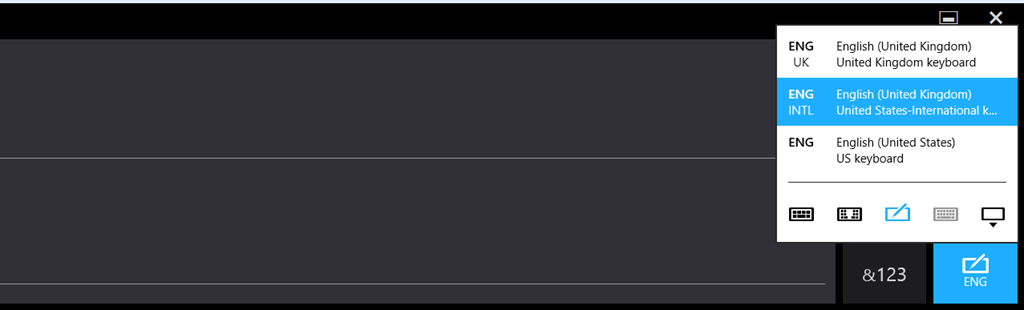
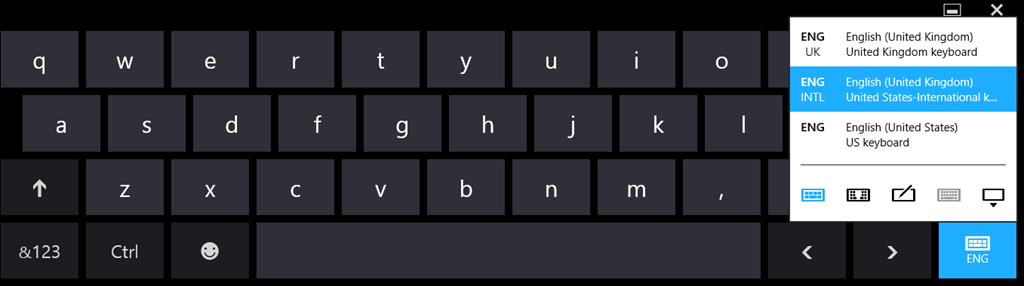
The default mode for the pen input is handwriting (freehand)

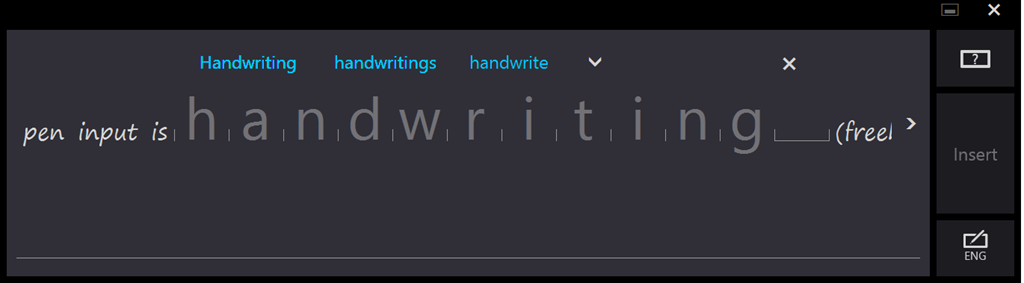
Tapping on a word switches the panel into its third mode. This is the character mode where individual characters may be edited, and where the dictionary kicks in and shows alternatives:
To my mind, the tablet input panel has been improved in Windows 8 over that in Windows 7. However , not everyone feels that way. Some people are finding it difficult to adjust to the new design.
I’ll carry on with thoughts on the software experience in a later post.


 Geoff Coupe's Blog
Leave a comment