
Following on from the last post, here’s some further thoughts on the software experience of the ThinkPad tablet.
One criticism that I’ve often read of PC OEMs is that they stuff their machines with bloat-ware. While I don’t think that Lenovo is quite as bad as some, it still comes with some software of questionable utility.
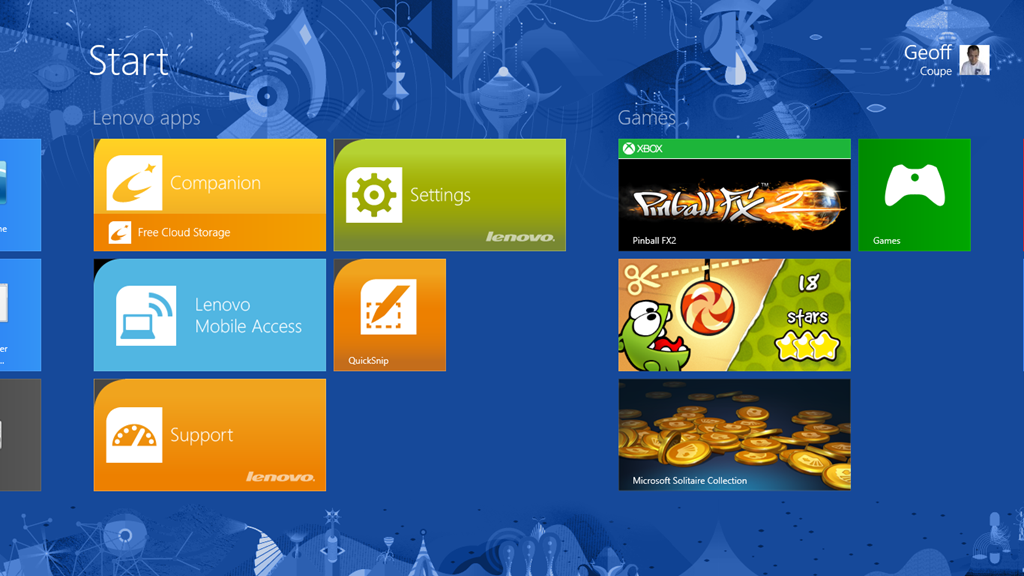
Here we see five utilities, I’ve already removed a couple; the inevitable anti-virus trial, and an application to access Lenovo’s cloud storage
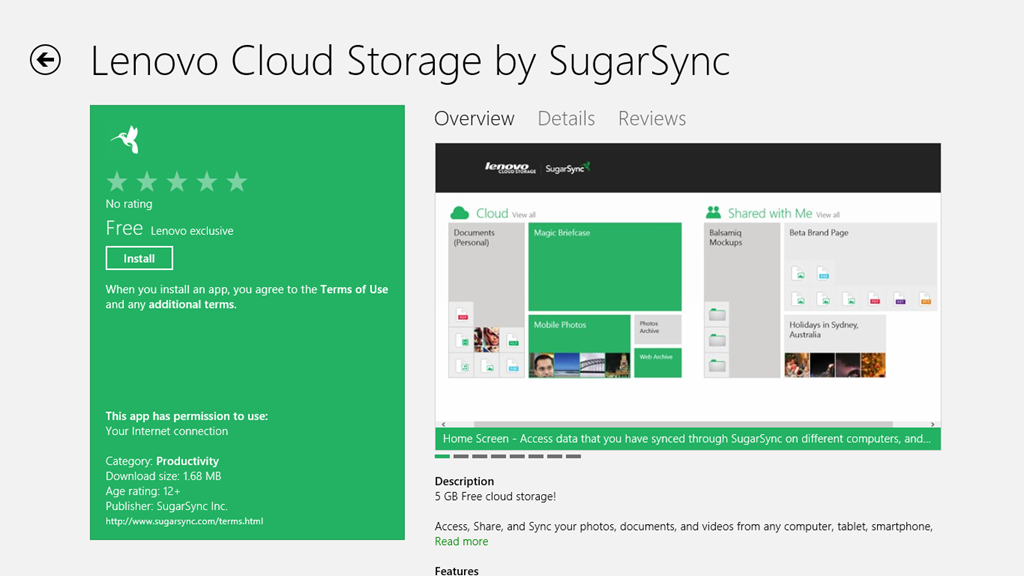
Since I already use Skydrive (with luckily 25 GB free storage), I don’t need the hassle of managing more cloud storage.
Let’s take a look at the remaining five applications. First up, the Companion App.
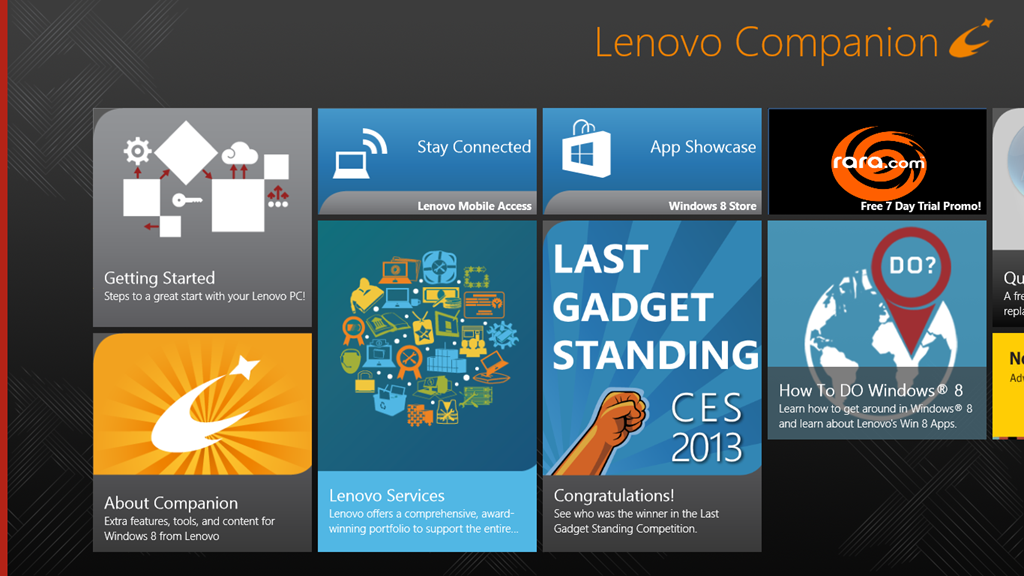
Oh dear, this doesn’t look good. Basically lots of (questionable) style, and little (apparent) substance. OK, let’s take a look at the “Getting Started” section.
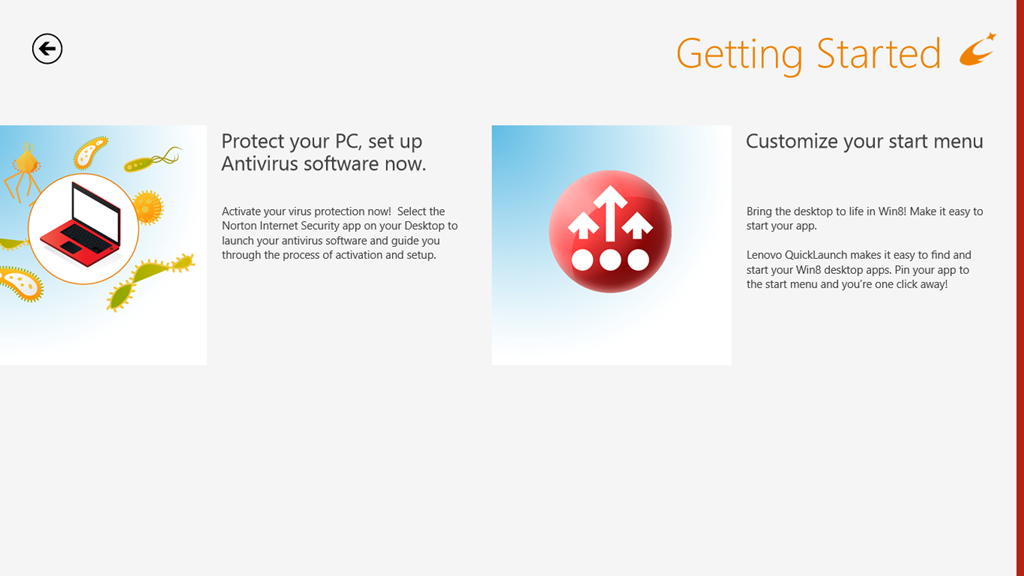
Oh gawd, another invitation to install Norton Internet Security. Look, people, Windows 8 comes with a perfectly good anti-virus and anti-malware software out of the box. A Pox on your suggested alternatives. I’ve been there, I’ve done that. I’ve paid the money, had the bloated software experience, and frankly – no more…
OK. What’s this “Customize your start menu” stuff? Well, frankly, I haven’t a clue, because there’s nothing on that screen that is a link to take me to anything resembling a “Lenovo Quicklaunch”. It’s dead. Fail number two.
So then I made the mistake of clicking on the “About Companion” tile.
Welcome to the land of Exclamation Points!!!
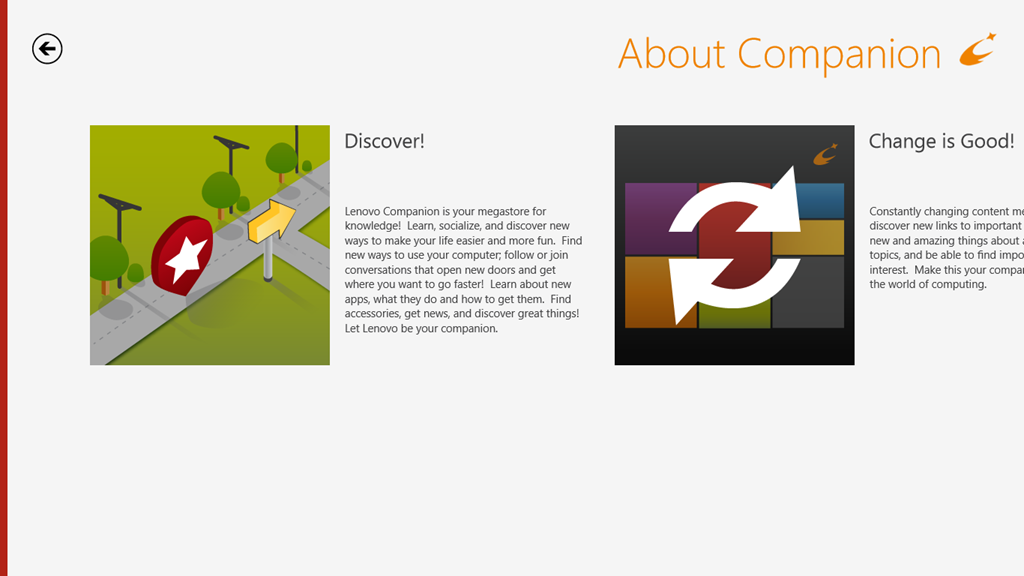
Discover! Change is Good! Your Companion!
Er, basically – fuck off.
OK – onwards to the next point in our journey: the “Stay Connected” tile. This is, as expected an advert for the Lenovo Mobile Access service.
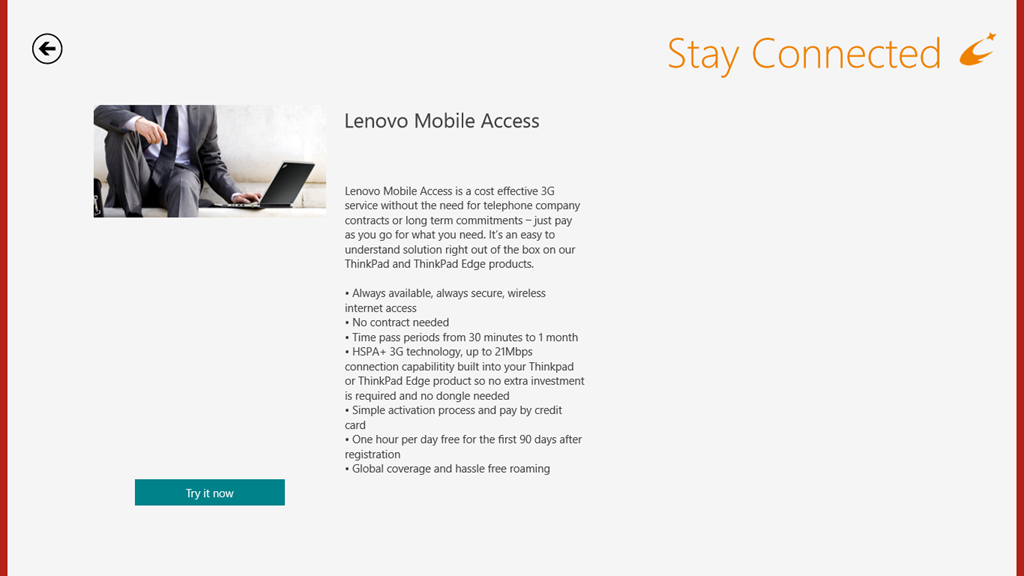
Well, this is all very well; but unfortunately, it doesn’t work for me, as I’ve documented here. I still haven’t had my connectivity issues resolved by Macheen’s Support service, so I’m continuing to use Vodafone’s service, thank you very much.
Update 25 February 2013: I’ve now heard back from Lenovo/Macheen Support, and they have indeed fixed my problems with Lenovo Mobile Access, so I can now choose to use their pay-as-you-go mobile access service. Excellent.
Update 30 December 2013: Ah, not so excellent. Lenovo/Macheen have deactivated my SIM card because I hadn’t used it for six months, and expect me to buy a new one to continue using their service. Sorry, guys, you’ve just lost a customer, and I’m certainly not recommending you to all my friends.
Onwards to the Lenovo Services, with its very busy graphic. This turns out to be an invitation to shell out money to enjoy extra warranty protection or premium support services.
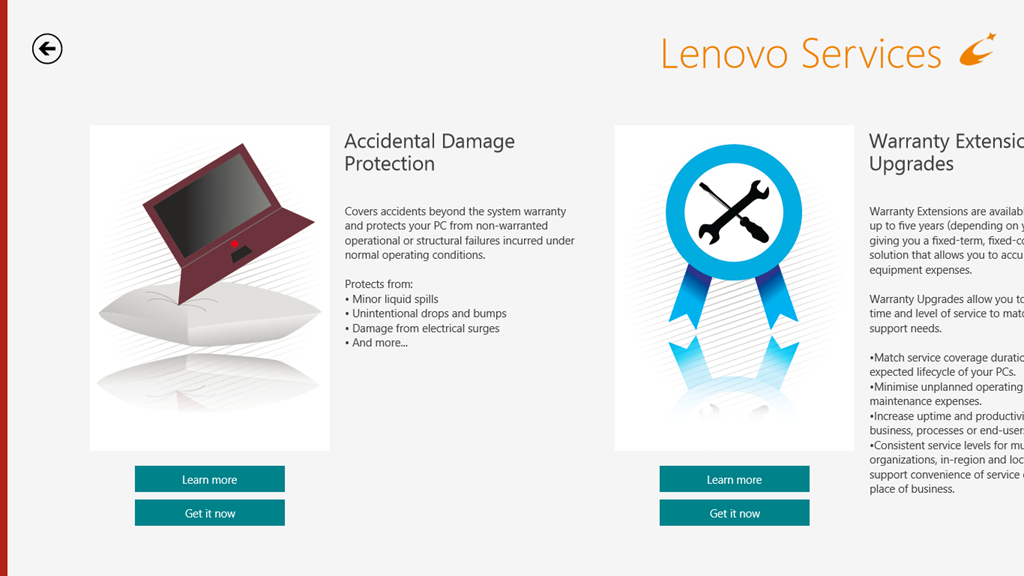
While I have no objection in principle to this, I do wish that the developers of these web pages would realise that not everyone lives in the US of A and direct us to the local country services.
On to the “App Showcase”tile. Personally, I’m underwhelmed, but maybe that’s just me.

After all, I could just search for “Lenovo” in the Windows Store and see many more possibilities to choose from. Or not, as the case may be:
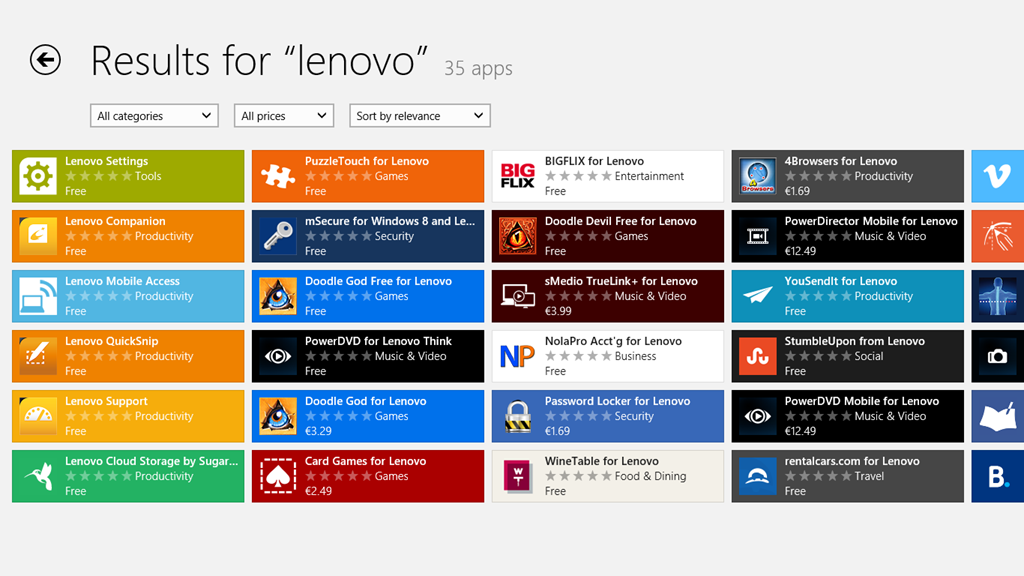
I’ll skip over the “Last Gadget Standing” tile, which is a transient advert for an event in the past, and the “rara.com” tile, which is an invite to download yet another music service and move swiftly on to the “How to DO Windows® 8” tile. Really, the title alone is enough to make me want to lose the will to live. Still, let’s steel ourselves and press on.
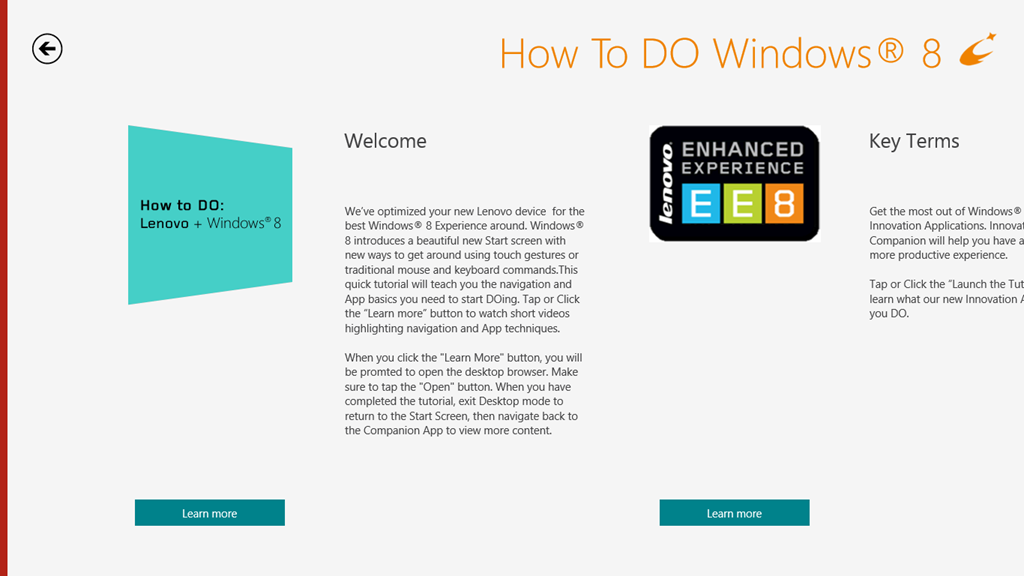
There are some ominous signs in the welcome message that this is not going to be a smooth experience. For example: “When you click the ‘Learn more’ button, you will be prompted to open the Desktop browser”. Oh dearie me; this does not bode well.
And sure enough:

Oh, dear god – is this really the best you could do?
I’m sorry. I really need to pause and take a deep breath at this point. I’ll carry on with exploring the Lenovo experience later on, when I’ve had a chance to recover.
I should just say that I do rather like the Lenovo ThinkPad 2 tablet. It’s just that the software that’s been tossed onto it rather sours the overall experience.
 Geoff Coupe's Blog
Leave a reply to Thoughts On The Lenovo ThinkPad 2 | Geoff Coupe's Blog Cancel reply