
Microsoft released new versions of some of their Windows 8 Apps today. The ones that I’ve seen so far are the Mail, Calendar, People and Messaging Apps, together with a new version of the Xbox Music App.
I’ve updated my post on the Xbox Music App here. In summary, whilst navigation has taken a step forward, there are many issues with this App that have not been addressed.
The Mail App has got some improvements. I like the fact that I can at last create my own Folders and view them in the Mail App, and also that I can search both locally and in my online IMAP folders automatically. I see that the Mail App still cannot handle POP accounts. Yes, it’s legacy, but it is still in widespread use by many service providers who don’t yet support IMAP.
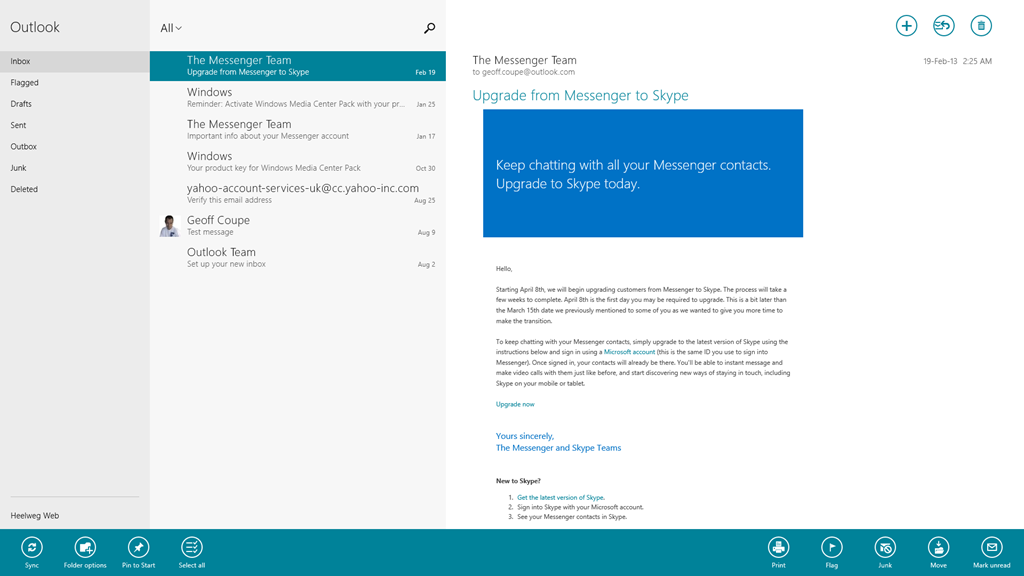
In addition, the Mail App still hasn’t got a clue when it comes to printing out a message. It is still not possible to print just a range of pages – you can only print out every page in a message. It’s the same with the Modern UI version of Internet Explorer 10; it’s all or nothing. Clearly the Mail and IE 10 teams don’t understand how to use the new print subsystem of Windows 8 properly. They really should talk to their colleagues in the Microsoft Reader App team. Here’s an example of the print controls using the Reader App.
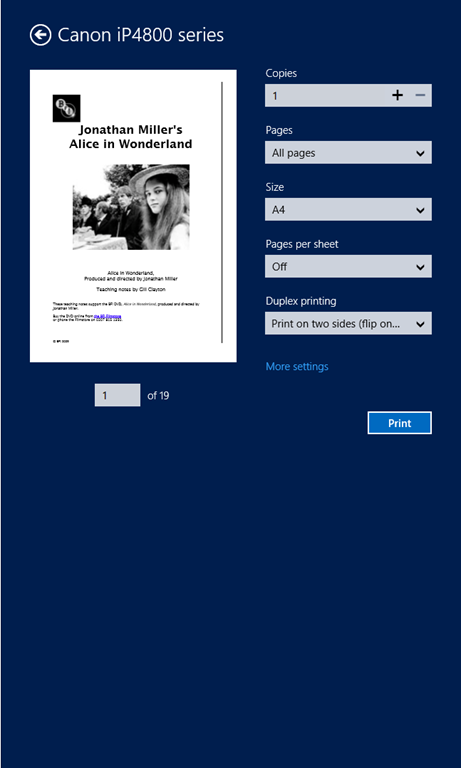
Note that you’ve got a “Pages” setting, where you can select to print “All pages”, “Current page” or a “Custom” selection of pages from the document.
Now here’s what you see (using the same printer device) when you want to print out a mail message from the Mail App (you’ll also see the same settings when you print out a web site in the IE10 App):
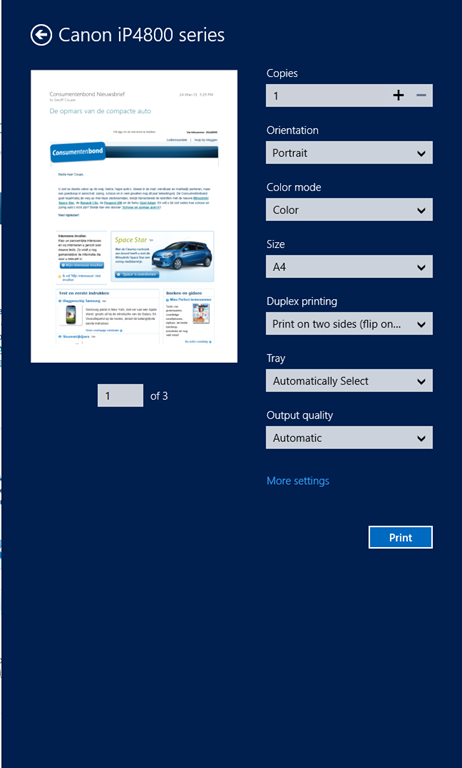
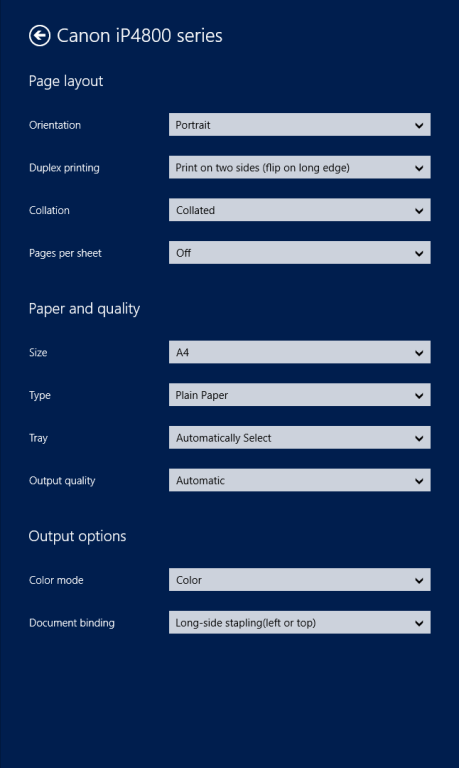
Whoops, no “Pages” option to print out a range of pages. And it’s not lurking under the “More settings” link, either:
I find it ironic that the Windows 8 Engineering Team posted an entry last year on the Building Windows 8 blog entitled: Simplifying Printing In Windows 8. It seems to me that when Microsoft’s own teams come up with inconsistent and poor user experiences for the task of printing out documents, then something is wrong somewhere. And talking of simplifying printing, I notice that the Mail App now sports a “Print” icon on the pop-up task bar at the bottom of the App. I suspect that many people are finding it confusing to print by going to the Charms bar, and choosing the “Devices” Charm…
The new version of the Calendar App offers a few extra views, but personally, I don’t find it a great leap forward.

Clearly, Microsoft expect all their customers to have Smartphones or Tablets – there’s no way to print out anything from the Calendar App. Some of us do still occasionally like to have bits of paper handy…
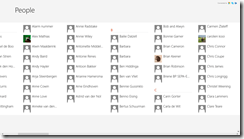
The People App remains very plain for me; most entries have simply the generic person icon. That’s because, by choice, I am not a Facebook or Twitter user. I communicate mostly by email.
For the same reason, I’ve never had occasion to use the Messaging App, so I have no opinion on whether it’s any better in the new version.
To sum up, despite these new versions of the Mail, Calendar and People Apps, I don’t see myself using them as my primary communication applications. I still find that job is better done using Windows Live Mail, which combines all these functions into one application that I prefer to use. Having said that, I do find myself occasionally using the Mail App on my ThinkPad Tablet to check email when I’m not at my Desktop PC. So it may grow on me, but I think further improvements will be needed first.
 Geoff Coupe's Blog
Leave a reply to Windows 8.1 Preview – Part II | Geoff Coupe's Blog Cancel reply